sealapw.exe - Usage
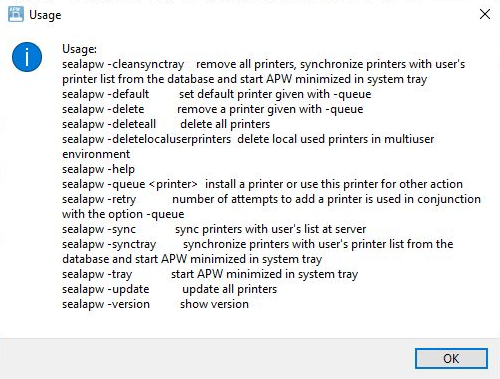
| Option | Description |
|---|---|
cleansynctray |
remove all printers, synchronize printers with user's printer list from the database and start APW minimized in system tray command: sealapw -cleansynctray |
default |
set default printer given with -queue command: sealapw -default |
delete |
remove a printer given with -queue command: sealapw -delete |
deleteall |
delete all printers command: sealapw -deleteall |
deletelocaluserprinters |
delete local used printers in multiuser environment command: sealapw -deletelocaluserprinters |
help |
usage command: sealapw -help |
queue <printer> |
install a printer or use this printer for other action command: sealapw -queue <printer> |
retry |
number of attempts to add a printer is used in conjunction with the option -queue command: sealapw -retry |
sync |
sync printers with user's list at server command: sealapw -sync |
synctray |
synchronize printers with user's printer list from the database and start APW minimized in system tray command: sealapw -synctray |
tray |
start APW minimized in system tray command: sealapw -tray |
update |
update all printers command: sealapw -update |
version |
show version command: sealapw -version |